 FieldCamp
AI Dispatcher Docs | FieldCamp AI Dispatcher
Complete documentation for AI Dispatcher — intelligent job-to-technician matching available standalone at dispatcher.fieldcamp.ai or inside FieldCamp.
AI Dispatcher automatically matches service jobs to the right technicians using skills, location, availability, and schedule constraints. Available as a standalone app or as an add-on inside FieldCamp, it delivers confidence-scored recommendations in seconds so your team spends less time scheduling and more time in the field.
Getting Started
Overview of features, the six main pages, and how AI-powered dispatch works.
Create your account at dispatcher.fieldcamp.ai or enable the add-on inside FieldCamp.
Compare the dedicated app and the in-app add-on to find the right fit.
Jobs
Define job types, set priority levels, and configure requirements.
Bulk import jobs using a CSV file for fast onboarding.
Send jobs to the AI engine and trigger technician matching.
Technicians
Add technicians with profiles, service areas, and working hours.
Configure certifications and specialties for accurate matching.
Manage workload limits and daily scheduling capacity.
Dispatching
Use the core dispatch screen to view AI suggestions on a map and timeline.
Interpret confidence scores, reasoning panels, and decision factors.
Take action on AI recommendations and provide feedback.
Resolve double-bookings, impossible travel, and time window issues.
Automation
Views & Analytics
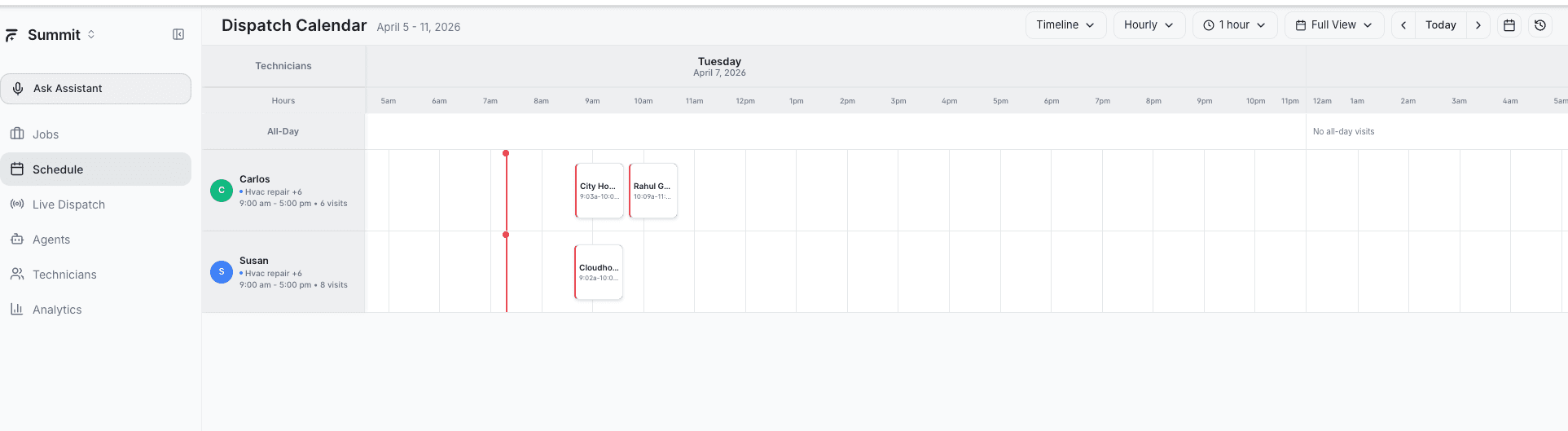
Navigate the schedule with confirmed and pending assignments.
Track dispatch performance, acceptance rates, and utilization.