 FieldCamp
Digital Signatures | FieldCamp
Add digital signature fields to estimates and invoices in FieldCamp. Clients sign online or on mobile devices, with automatic timestamps and audit trails.
Under the hood — see how Estimates & Invoices work in the FieldCamp data model: the fields they hold, how they connect to your other records, and how to customize them.
Digital signatures let you collect approvals on estimates and invoices without printing, scanning, or mailing. When you create estimates via the Command Centre, signature requirements from your settings apply automatically. Clients sign from their email or the customer portal, and FieldCamp records the signature with a timestamp for your records.
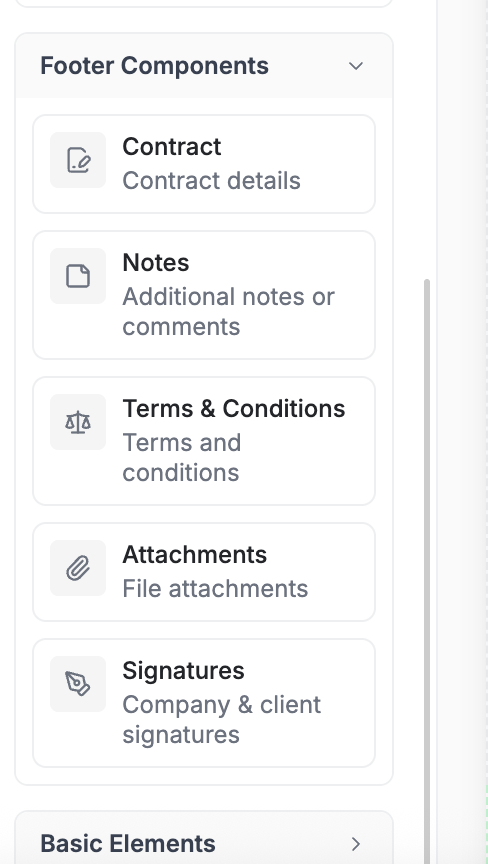
Adding Signature Fields
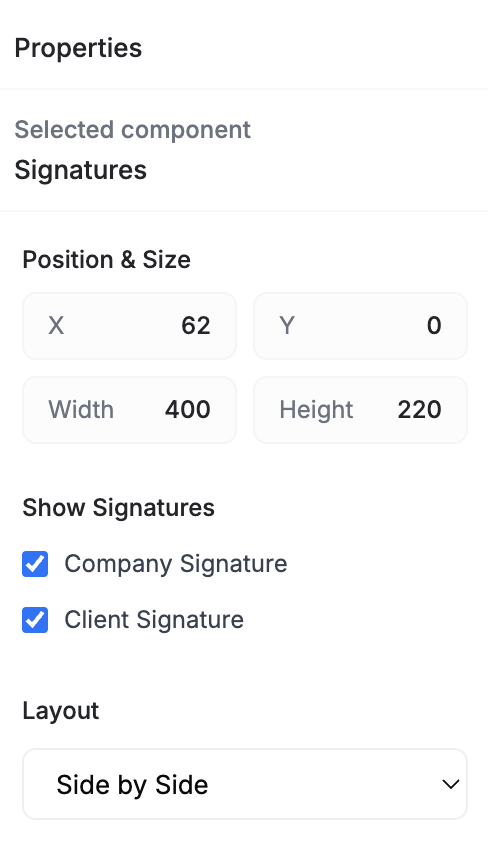
In the estimate or invoice creation screen, scroll to the Contract section:
- Turn on My Signature to include your own signature on the document
- Turn on Client Signature to ask the client to sign
Client Signature is on by default and My Signature is off. If you have renamed "Client" in your terminology settings, the second toggle uses your own wording.
Both you and the client sign using one of these two methods:
| Method | How it works |
|---|---|
| Draw | Use a mouse, trackpad, or touchscreen to draw your signature |
| Upload | Upload an image of your signature (JPG, JPEG, or PNG) |
There is no option to type a signature.
How Clients Sign
When you send an estimate or invoice with a signature requirement, the client receives an email with a link to view the document. After reviewing the line items, terms, and totals, they click Sign and choose their preferred signing method.
Once signed:
- The signature is embedded in the document
- The signer's name and the date are recorded
- A pending estimate is marked Approved. An estimate the client already declined stays declined, and an invoice's status is not changed
FieldCamp does not email you when a document is signed. To be told, build a workflow on the estimate's Field Changed trigger watching Action Status, or set up an AI agent on the Estimate approved event.
Technician-Side Signatures
For in-person work, your field team can capture signatures on a mobile device. After completing a job visit, the technician presents the device to the client for an on-the-spot signature. This is especially useful for service agreements, completion confirmations, and delivery receipts.
When to Require Signatures
| Scenario | Recommended |
|---|---|
| Estimates over a certain dollar amount | Yes -- protects both parties on large jobs |
| Service contracts and maintenance agreements | Yes -- formalizes the recurring commitment |
| Standard invoices | Optional -- depends on your business requirements |
| Deposit collection | Yes -- confirms the client agrees to the deposit terms |
If you require a client signature on an estimate, attach a contract to the document for legal clarity. The client reviews and signs both in one step.
Signature Audit Trail
Every signed document in FieldCamp includes:
- The signer's name
- The date the signature was applied
Both appear under the signature image on the document and in the PDF download. FieldCamp does not record the signing method or the signer's IP address.
Digital signatures in FieldCamp are designed for business convenience. For contracts that require legally binding e-signatures under regulations like ESIGN or UETA, consult your legal advisor about whether FieldCamp's signature capture meets your jurisdiction's requirements.
Related Articles
- Creating Estimates — build and send professional quotes
- Contracts, Terms, and Attachments — add legal terms and supporting files
- Creating Invoices — generate and send invoices to clients
- Document Templates — customize the branded look of your documents
Email Templates | FieldCamp
Customize the emails sent with estimates and invoices in FieldCamp. Edit subject lines, body text, and use variables for client name, amount, and more.
Contracts, Terms & Attachments | FieldCamp
Add service contracts, terms and conditions, file attachments, and internal notes to your estimates and invoices in FieldCamp for clarity and protection.