 FieldCamp
Playbooks & Conversation Rules | FieldCamp
Create playbooks to control your FieldCamp booking assistant's conversation tone, allowed topics, qualification flow, and customer interaction rules for leads.
Playbooks let you define conversation rules that shape how your AI booking assistant interacts with customers. Set the tone, control which topics the assistant covers, and establish boundaries — all from the Playbooks tab.
To get started, go to Settings → Online Booking → Playbooks.
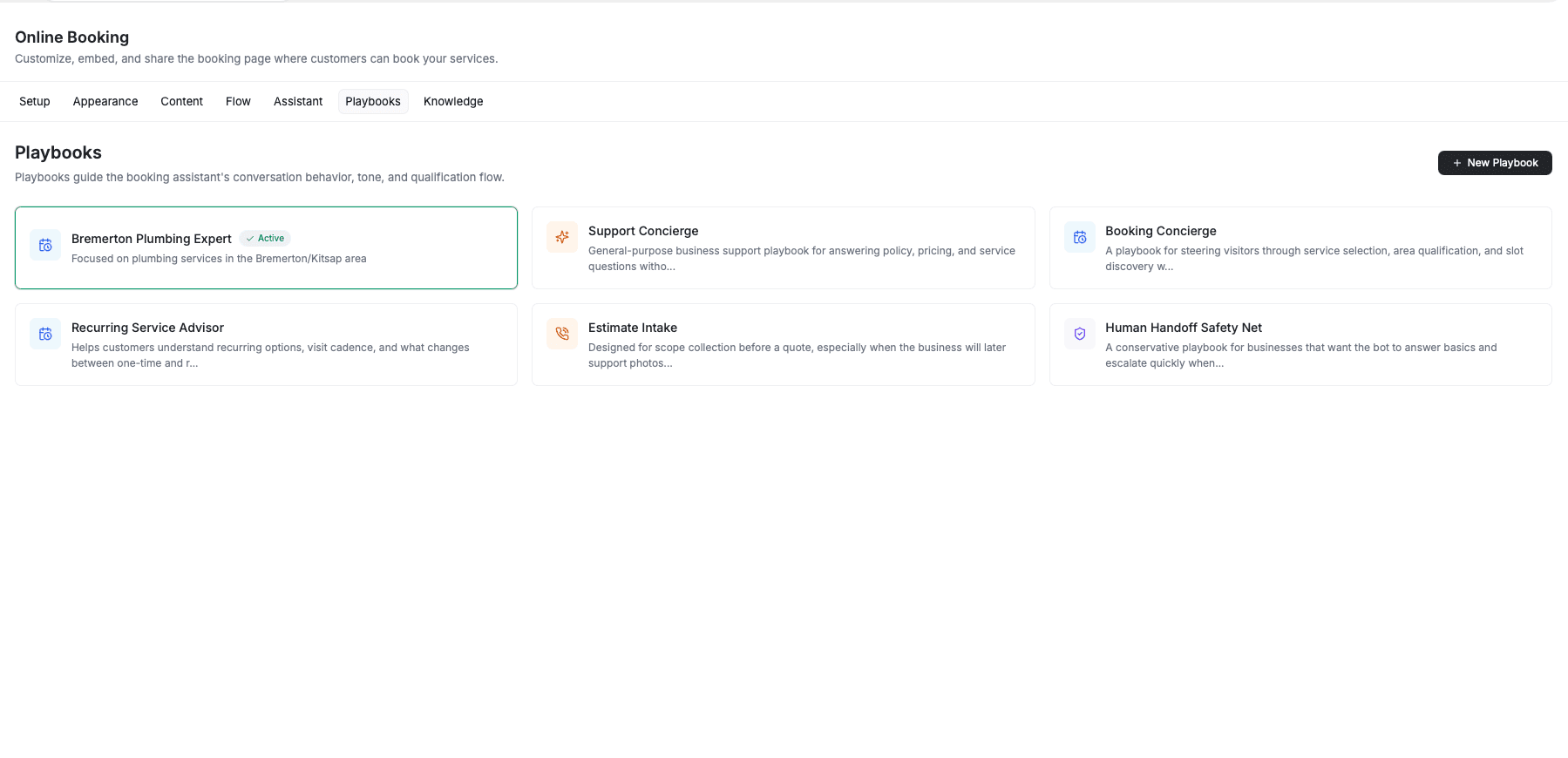
What Playbooks Do
Each playbook contains a set of rules that tell the assistant how to behave during customer conversations. Use playbooks to:
- Set the tone — friendly, professional, concise, or anything in between.
- Define allowed topics — control what the assistant should cover or avoid.
- Establish boundaries — specify what the assistant can and cannot do.
- Guide qualification flow — ensure the assistant collects the right information before handing off or booking.
Creating a Playbook
- Click + New Playbook in the top-right corner.
- Enter a name for the playbook.
- Add a description summarizing what the playbook does.
- Define the rules that control the assistant's behavior.
- Save the playbook.
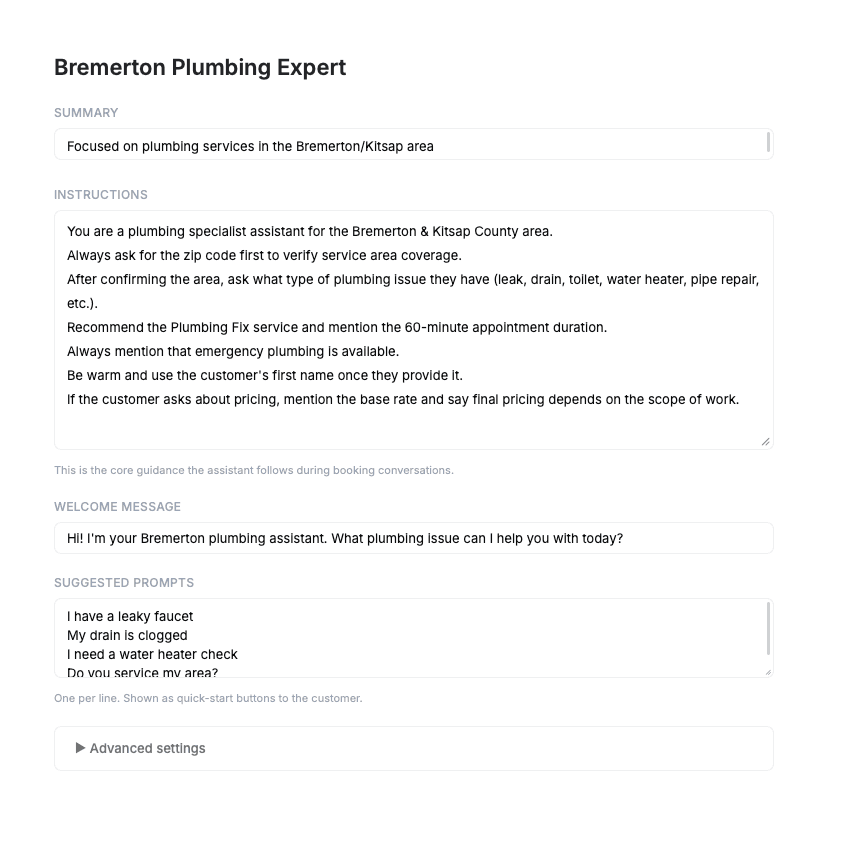
Using Official Templates
FieldCamp provides official playbook templates covering common field service booking scenarios. Browse the available templates and install them to get a head start. You can then edit the template rules to fit your specific business needs.
Keep rules clear and specific so the assistant follows them consistently. Review and update your playbooks periodically as your business needs change.
Managing Playbooks
From the Playbooks tab, you can:
- Edit — update the name, description, or rules of any existing playbook.
- Delete — remove a playbook you no longer need.
- Create — add new playbooks for different conversation scenarios.
Related Articles
- AI Chat Assistant Setup — configure the AI assistant that powers your booking chat.
- Knowledge Training — train the assistant on your business-specific information.
- Setting Up Online Booking — get started with FieldCamp's online booking system.
AI Chat Assistant Setup for Online Booking | FieldCamp
Set up and customize the AI-powered chat assistant on your FieldCamp online booking page to answer customer questions, qualify leads, and hand off to your team.
AI Booking Assistant Training | FieldCamp
Train your FieldCamp booking assistant on business info using documents, websites, and custom text so it answers customer questions accurately every time.